Site and account
401 wordsarticle
Connection problems (game won't load / hangs)
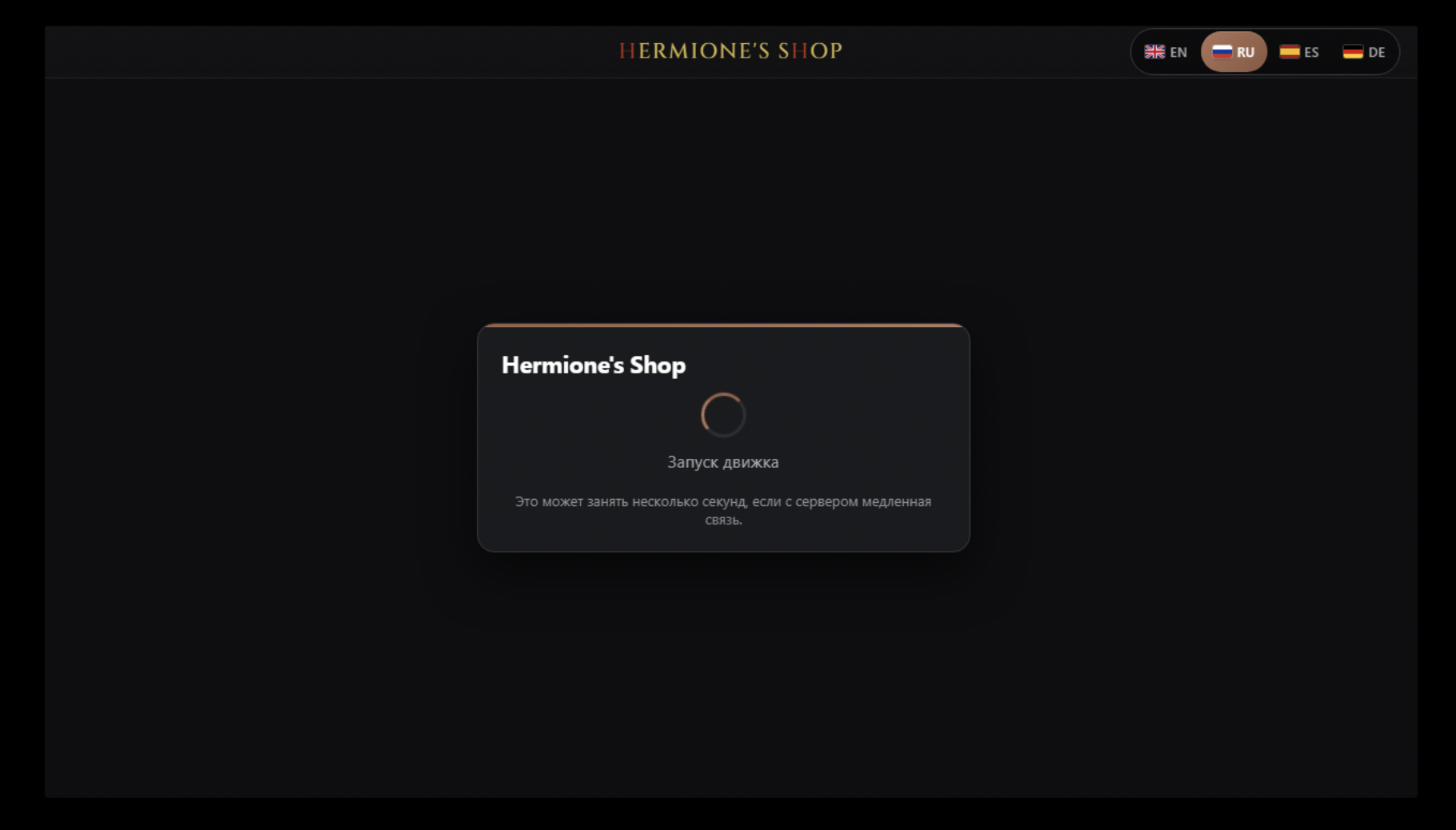
Hi! If the game won't load, hangs on “Starting the engine”, the spinner never stops, or you get network errors — it's usually ISP blocking. Fixed by a properly enabled VPN.
👀 What the problem looks like
Recognize your situation? Then the steps in the comment below will help.
Stuck on “Starting the engine” — endless spinner.
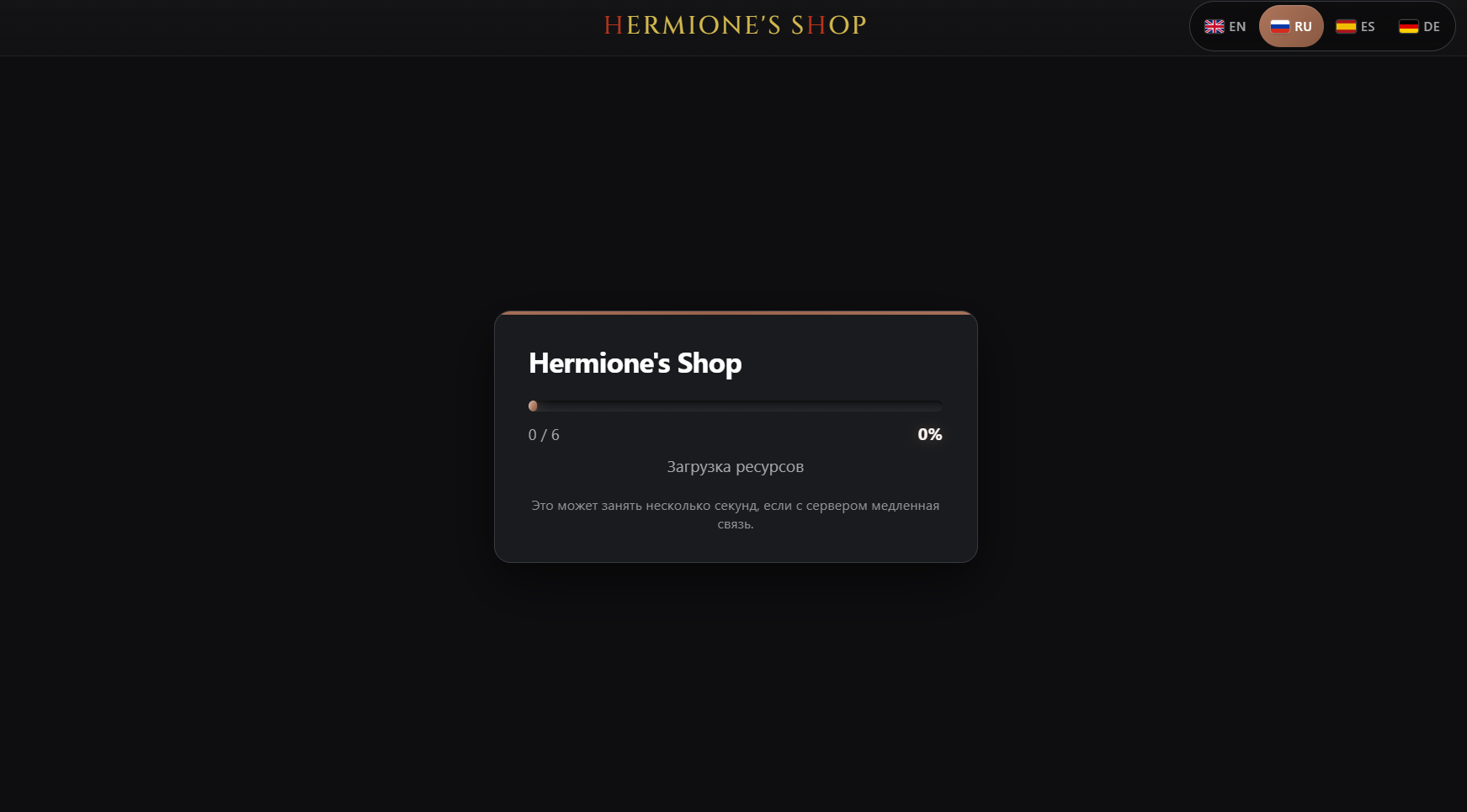
“Loading resources” stuck (0 / 6, 0%) — files won't download.
“This page couldn't load” — the page won't open.

“This site can't provide a secure connection” (ERR_SSL_PROTOCOL_ERROR) — the request to our storage (...cloudflarestorage.com) is blocked.
🛑 Common cause: VPN off or “browser-only”
It often seems the VPN is on, but actually:
- The VPN isn't enabled at all.
- A VPN browser extension (plugin) is used. Important: a plugin routes only browser tabs through the VPN. The downloaded game is a separate program, its traffic goes around it → the game hangs on startup.
✅ What to do
- Install a full VPN app (system-wide).
- Turn it on, pick a server in another country (e.g. Europe), wait for “Connected”.
- Restart the game.
🛡️ Extra: Windows protection & firewall
If the VPN is on correctly but the game still won't connect:
- Windows Defender / Window Guard (Windows Security, SmartScreen) can block an unknown program and its network access → temporarily disable it or add the game to exceptions.
- Firewall can cut the game's requests → temporarily disable it or allow the game in the rules.
📋 Checklist
- Full (desktop) VPN for the whole PC, not a plugin.
- Server in another country → “Connected”.
- Restart the game.
- Not helped — temporarily disable Windows Defender & firewall (or use exceptions).
- Still failing — message us.
🆘 Support
- Discord — the fastest. Message us right here.
- Profile menu → “Support”.
- Profile page → “Need help? Contact us”.
Have a great game!
Did it work?Still have questions?
If anything went wrong, write to us on Discord.